Getting Started › Patrollers › New feature
Your shifts in your own calendar (Google, Apple, Outlook)
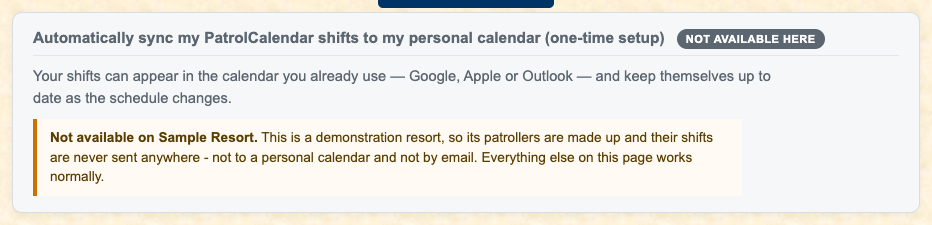
The shifts you are signed up for can appear in the calendar you already carry around, and keep themselves up to date. Sign up for a shift and it turns up on your phone; give one away and it disappears again.
You set it up once: press Create my calendar link, copy the link, and paste it into your calendar. The page walks you through Google, Apple (iPhone, iPad or Mac) and Outlook, a short list of steps each.
The link is yours alone and shows only your own shifts, so do not pass it on.
Read the full patroller guide · Back to the index
PatrolCalendar is shift scheduling for ski patrols, maintained by one volunteer patroller and free to use. Questions or problems: Steve@Gledhills.com. Screenshots are from the Sample resort.