Getting Started › Admins › New feature
Import a roster downloaded from nsp.org
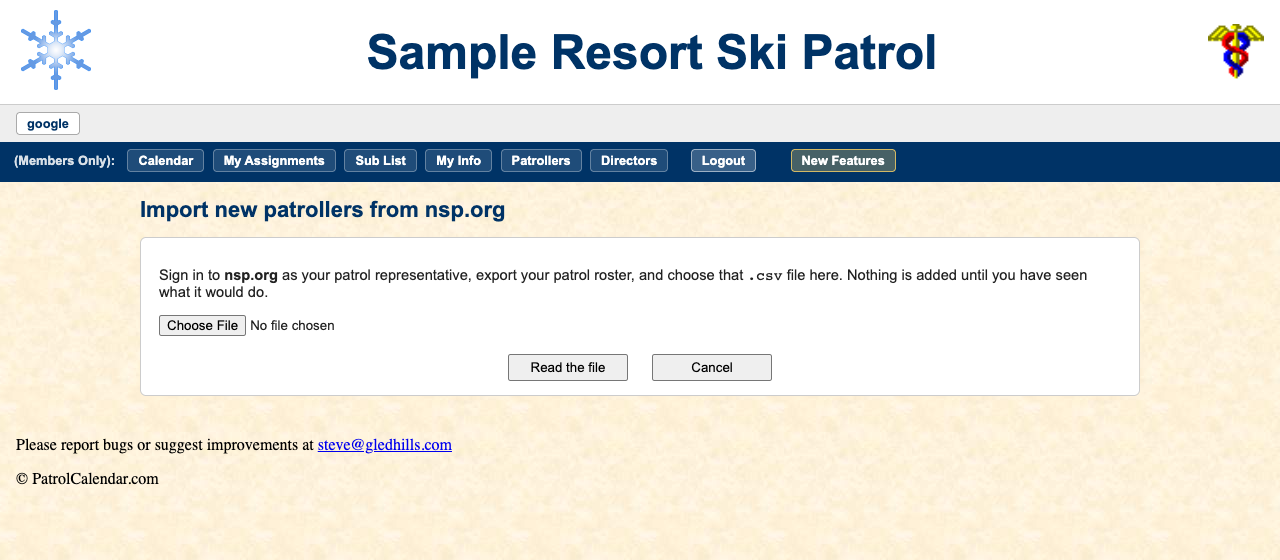
Sign in to nsp.org as your patrol representative, export the patrol roster to a
.csv file, and hand that file to this page. Everyone in it who is not already on your
roster is added: no typing names in one at a time at the start of a season.
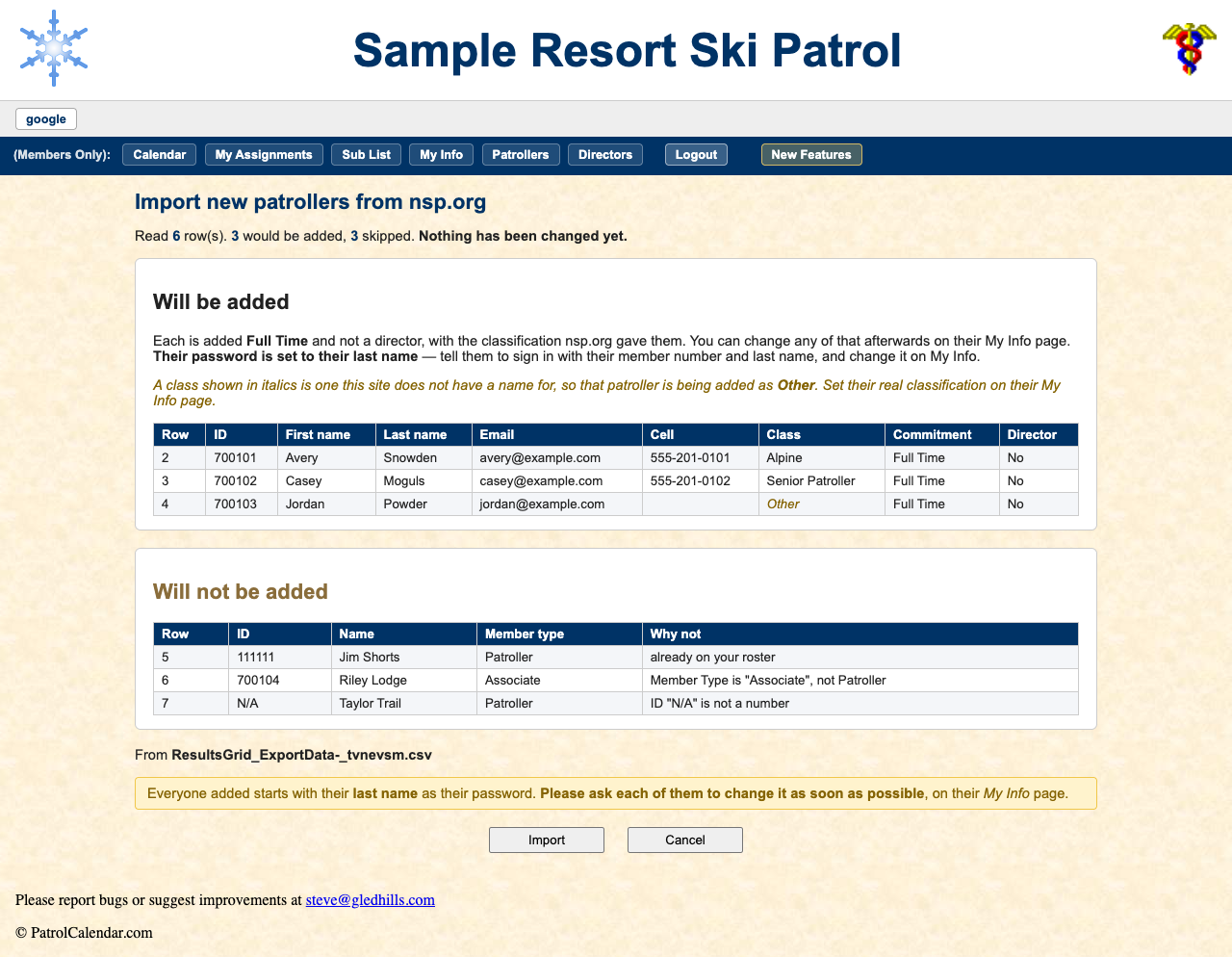
You see what it will do first. Every row is listed: who would be added, with the details being brought across, and everyone else with the reason they are left out (already on your roster, not a Patroller member type, an ID that is not a number). Nothing is written until you press Import.
Nobody already on your roster is touched. IDs are matched and existing records are never overwritten, so running the same file twice adds nobody twice.
Classifications come across in nsp.org's own words. One this site has no name for comes in as Other, shown in italics so you can fix it afterwards. Each new patroller's password is their last name; tell them to sign in and change it on My Info.
Read the full admin guide · Back to the index
PatrolCalendar is shift scheduling for ski patrols, maintained by one volunteer patroller and free to use. Questions or problems: Steve@Gledhills.com. Screenshots are from the Sample resort.